
Floor and Tiles · Documentation
Pattern
Sets the pattern of the selected row, the tile thickness, the joint width and the edge bevel.
Each row in the Areas list has its own Pattern rollout. Pattern sizes are set in Properties.
Type
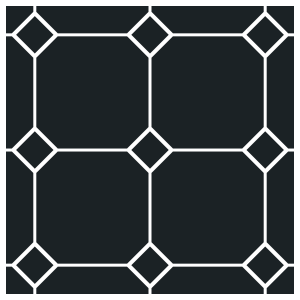
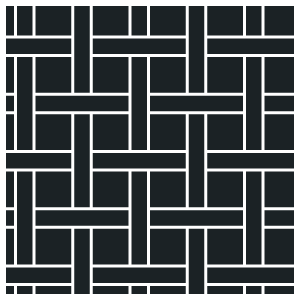
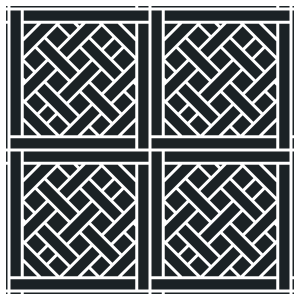
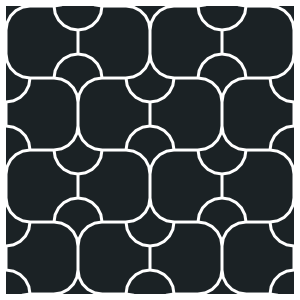
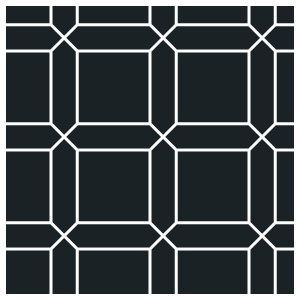
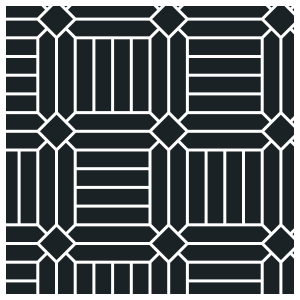
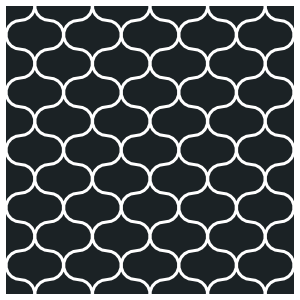
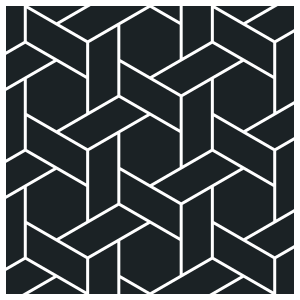
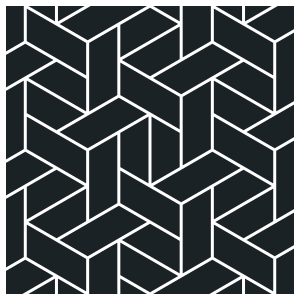
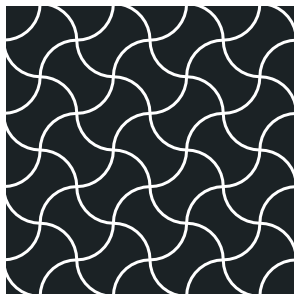
The layout pattern, shown as a picture. Click it and pick from the grid of every pattern and variation: Standard holds the parquet and tile layouts, Custom the shaped tiles (Wave, Biscuits, Shippo, Clover and Corset). The mouse wheel over the picture steps through the patterns; in the grid, the arrow keys and the wheel lay each one for a look, Enter keeps it and Esc puts back what was there.
 +2
+2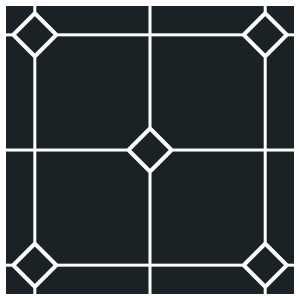
 +2
+2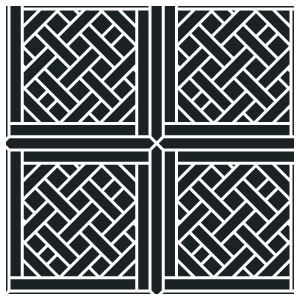
 +1
+1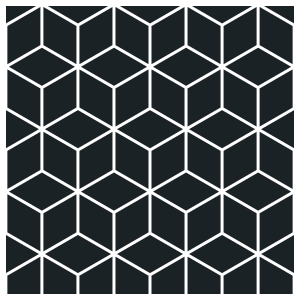
 +2
+2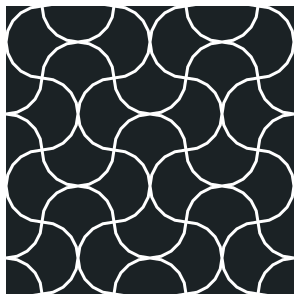
 +1
+1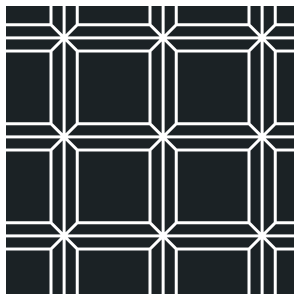
 +3
+3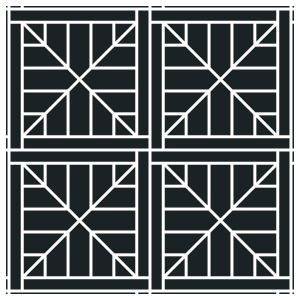

 +2
+2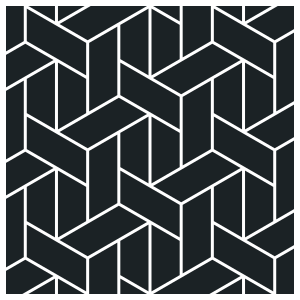
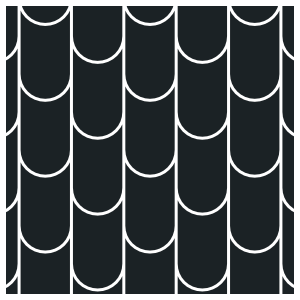
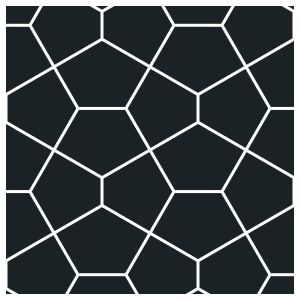
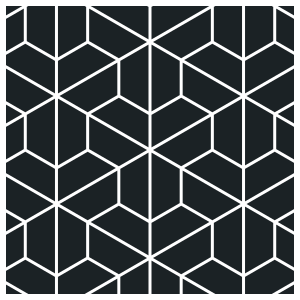 +3
+3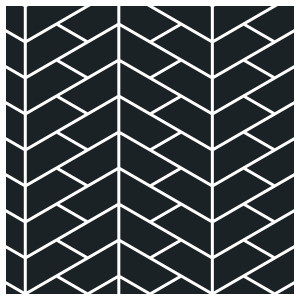
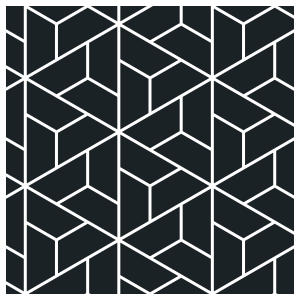
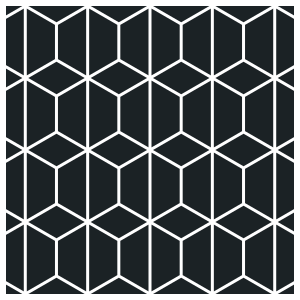
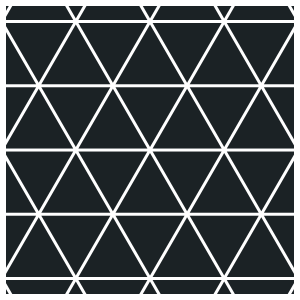 +1
+1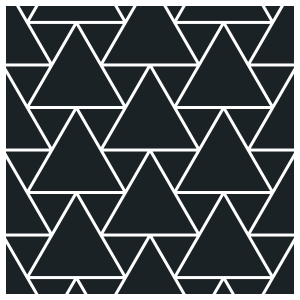
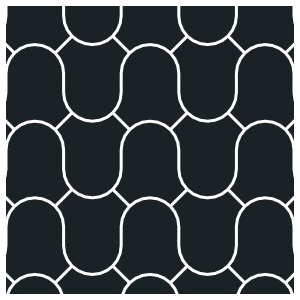
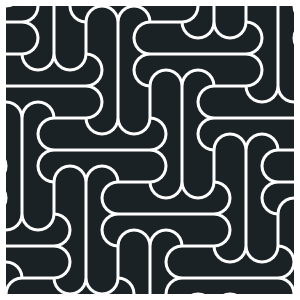
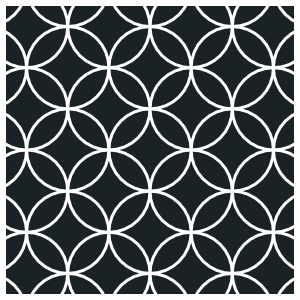
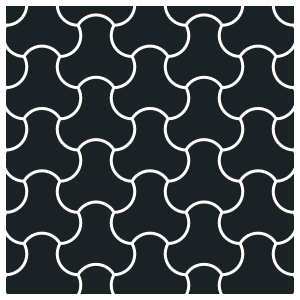
| Pattern | Description |
|---|---|
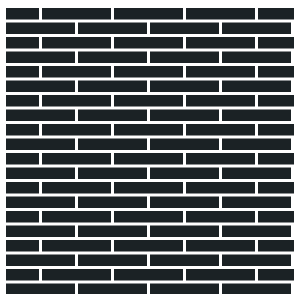
| Basic | Rows of rectangles. Stagger is set in Properties (running bond, stack bond, third bond). Available in the free edition. |
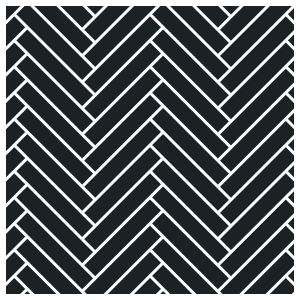
| Herringbone | Planks at 90° to each other in a zigzag. Rows sets the number of planks per arm. |
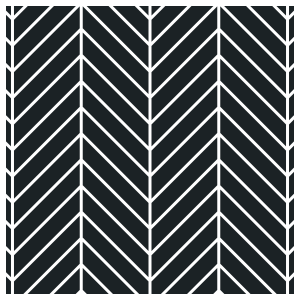
| Chevron | Planks cut at an angle, meeting on a straight seam. Lean sets the angle. |
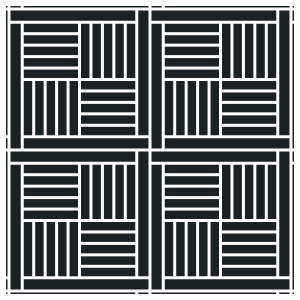
| Block | Squares of parallel planks, each turned 90° to its neighbours. Optional diamonds at the crossings. |
| Basket Weave | Groups of two or three planks alternating direction. Optional square between groups. |
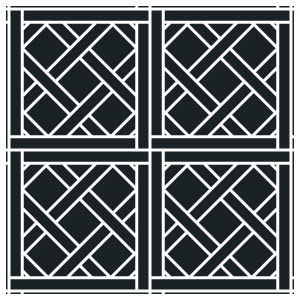
| Versailles | Panel module of squares, rectangles and small squares. Three variations. |
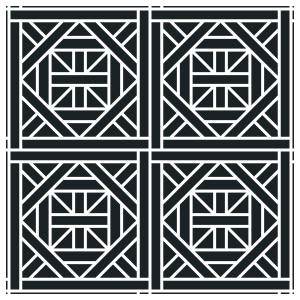
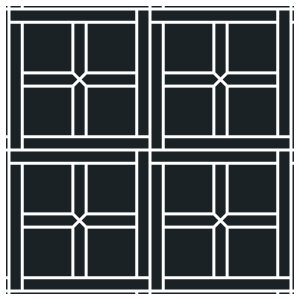
| Bordeaux | Square and rectangle module with a small square at each crossing. |
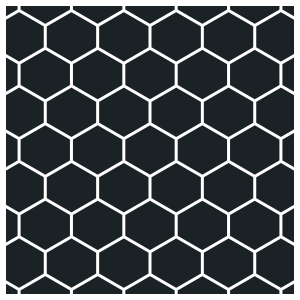
| Hexagonal | Hexagons, pointed or flat. Optional picket. |
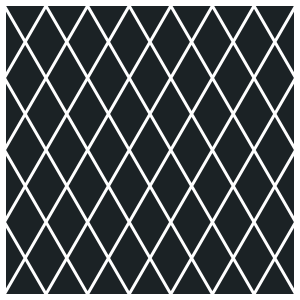
| Diamond | Rhombus lattice. Two variations. |
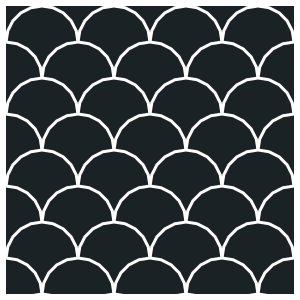
| Fish Scale | Overlapping scales. Sides sets the arc resolution. |
| Monticello | Square with one or two pickets running past it. |
| Camelot | Squares with small squares at the corners. |
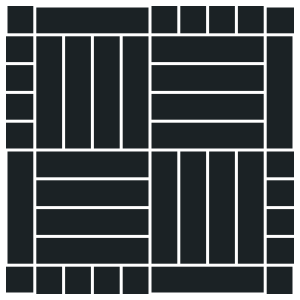
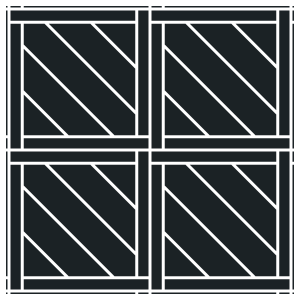
| Parquet Panels | Square panels of parallel planks alternating direction. Four layouts. |
| Arabesque | Lantern shape tiled point to point. |
| Penny Round | Round tiles in rows, the ground between them left to the grout. Unlocked, they become capsules. |
| Hex Weave | Hexagons with three planks woven round each. Three variations. |
| Shingles | Round-tongued shingles in columns, each tongue in the notch below. Columns can be slid. |
| Pentagon | Two pentagons, large and small, fitted together. |
| Trapezoid | Half hexagons: cubes, herringbone, pinwheels, or hexagons with rhombi between. |
| Triangle | Equilateral triangles, all alike or large with small ones between. |
| Wave (Custom) | A round tongue on top and a notch below, stacked in columns. |
| Biscuits (Custom) | Long tiles with round ends and two bites along one side, four turning round each other. |
| Shippo (Custom) | Overlapping circles laid as four-point stars and petals. |
| Clover (Custom) | A hexagon of arcs, three out and three in, each lobe in the next tile's bite. |
| Corset (Custom) | The Warsaw corset tile: a square on its corner with quarter-circle sides, two bowed out and two bitten in, every other tile turned. |
Sizes shared by two patterns are kept when the type changes, for example plank length and width between Basic and Herringbone.
Tile
| Parameter | Description | Default |
|---|---|---|
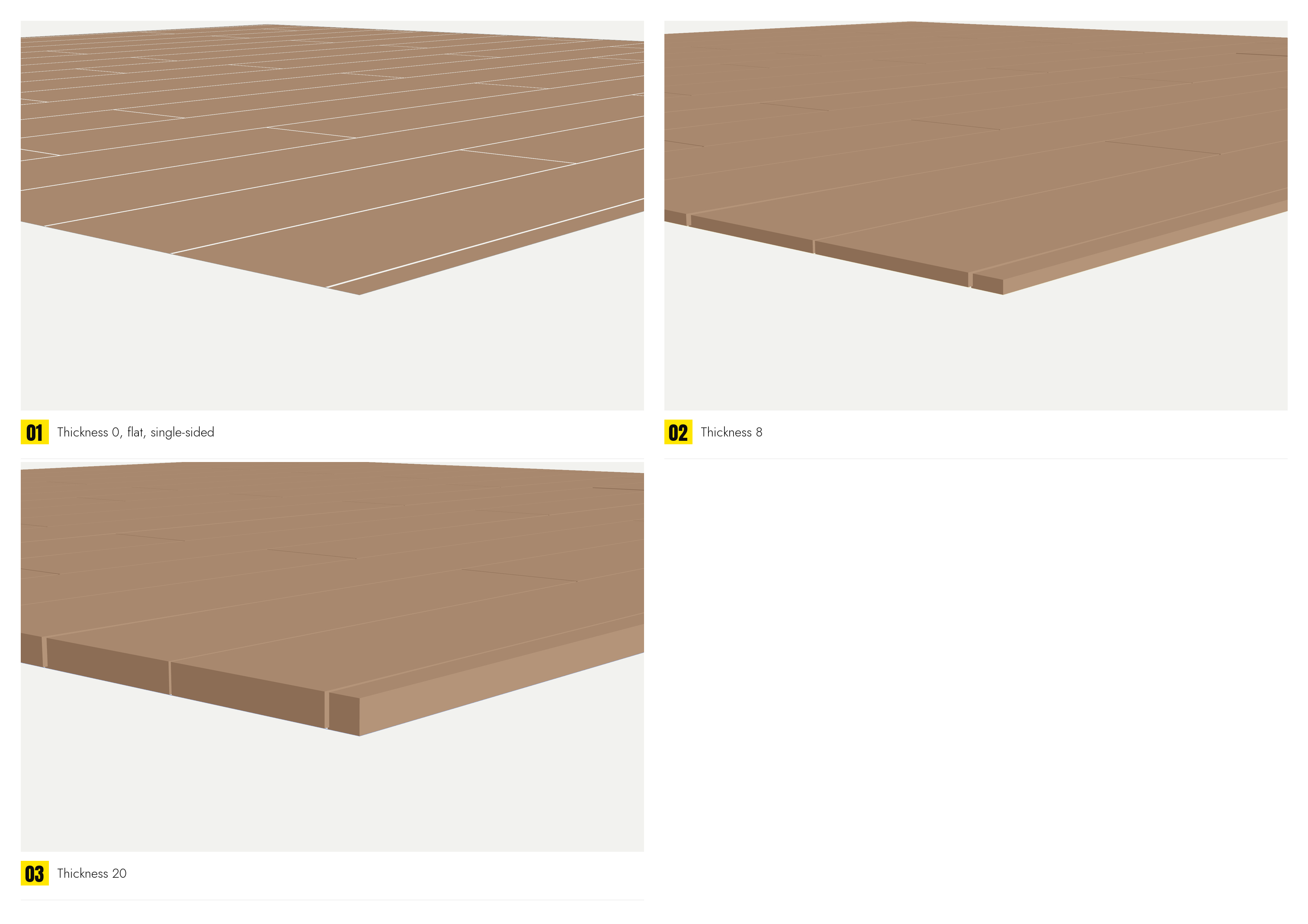
| Thickness | Tile height. At 0 the floor is a single-sided sheet, one face per tile. Above 0 each tile is a solid with sides; the underside is added with Cap bottom in General. Tiles are raised from the area plane by this amount. | 0 |
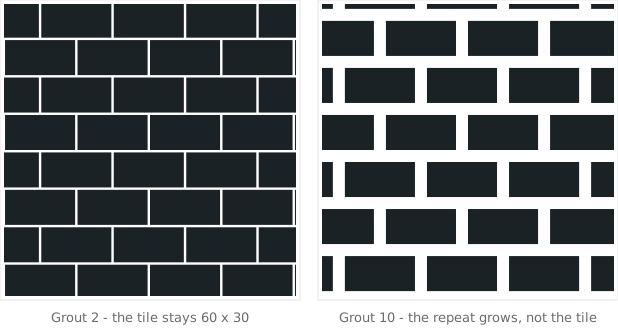
| Grout | Joint width between tiles. The tile size is unchanged; the pattern repeat grows by the joint. At 0 the tiles touch. The joint is empty unless Grout generates a slab. | 0.5 |
| Apply to all Pro | Copies Type, Thickness, Grout and Bevel from this row to every other row of the object, including the rows of other surfaces in Volume Tiles. Sizes and stagger are not copied. |
Bevel
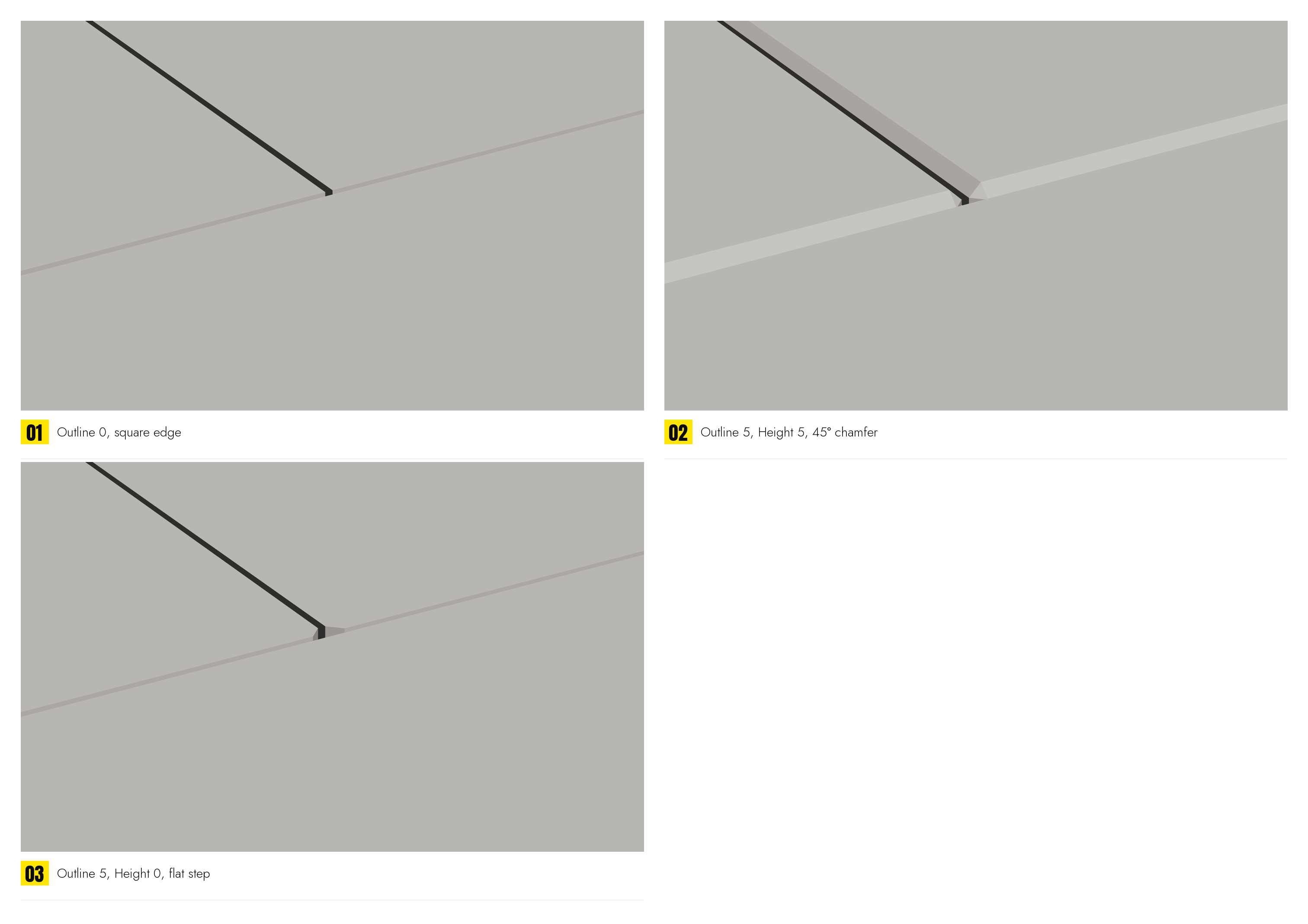
A chamfer cut into the top edge of every tile. The tile footprint is unchanged; the top face is reduced.
| Parameter | Description | Default |
|---|---|---|
| Outline | Width of the bevel measured in plan. 0 leaves a square edge. | 0 |
| Height, padlock | Depth of the bevel. Equal to Outline gives 45°. At 0 the top face is inset with a vertical step and no slope. Locked: Height follows Outline, a 45° edge from one number. Locked on new floors; older scenes keep the edge they had. | 0 |
| Min Corner | Keeps curved edges smooth: only corners sharper than this angle are bevelled. | 20 |
Bevel faces use their own smoothing group.