
CopyPaste Studio · 3ds Max 2024–2027 · v0.9.6 Beta
Copy and paste between 3ds Max scenes, with slots and a HUD
Copy what you have selected, open another scene and paste it there. There are eight slots on the modifier keys, a HUD in the viewport that shows what is in them, and a network share that puts a colleague's slots on your HUD too. Materials travel the same way.
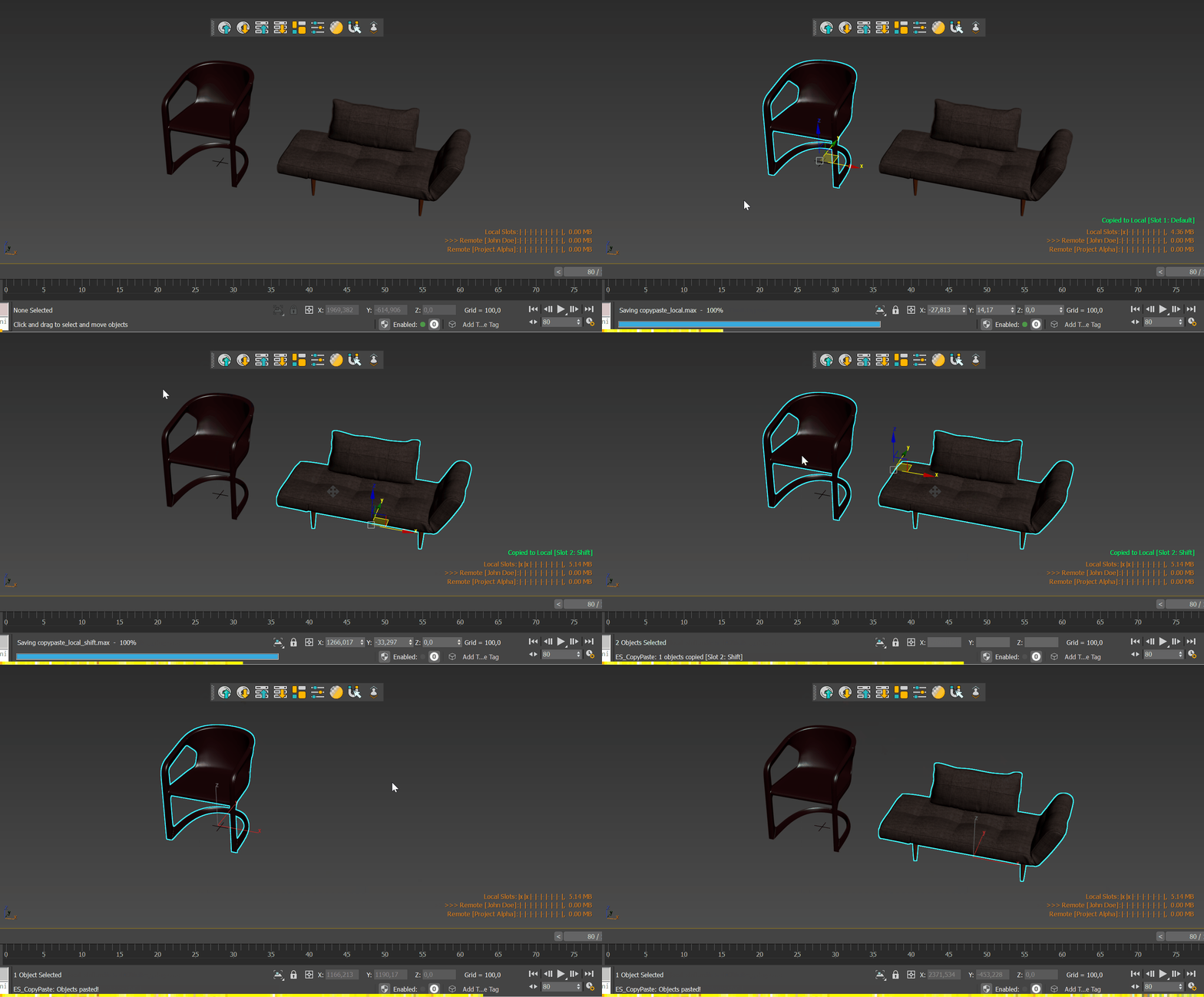
A clipboard with eight slots
Copy saves the selection into a slot as a scene of its own, with the hierarchy, the materials and the version of Max you choose. Hold Shift, Ctrl or Alt while you copy and it goes into another slot; the same key pastes it back. Nothing is lost when Max closes.
- Eight slots on the keys
- Locked slots stay
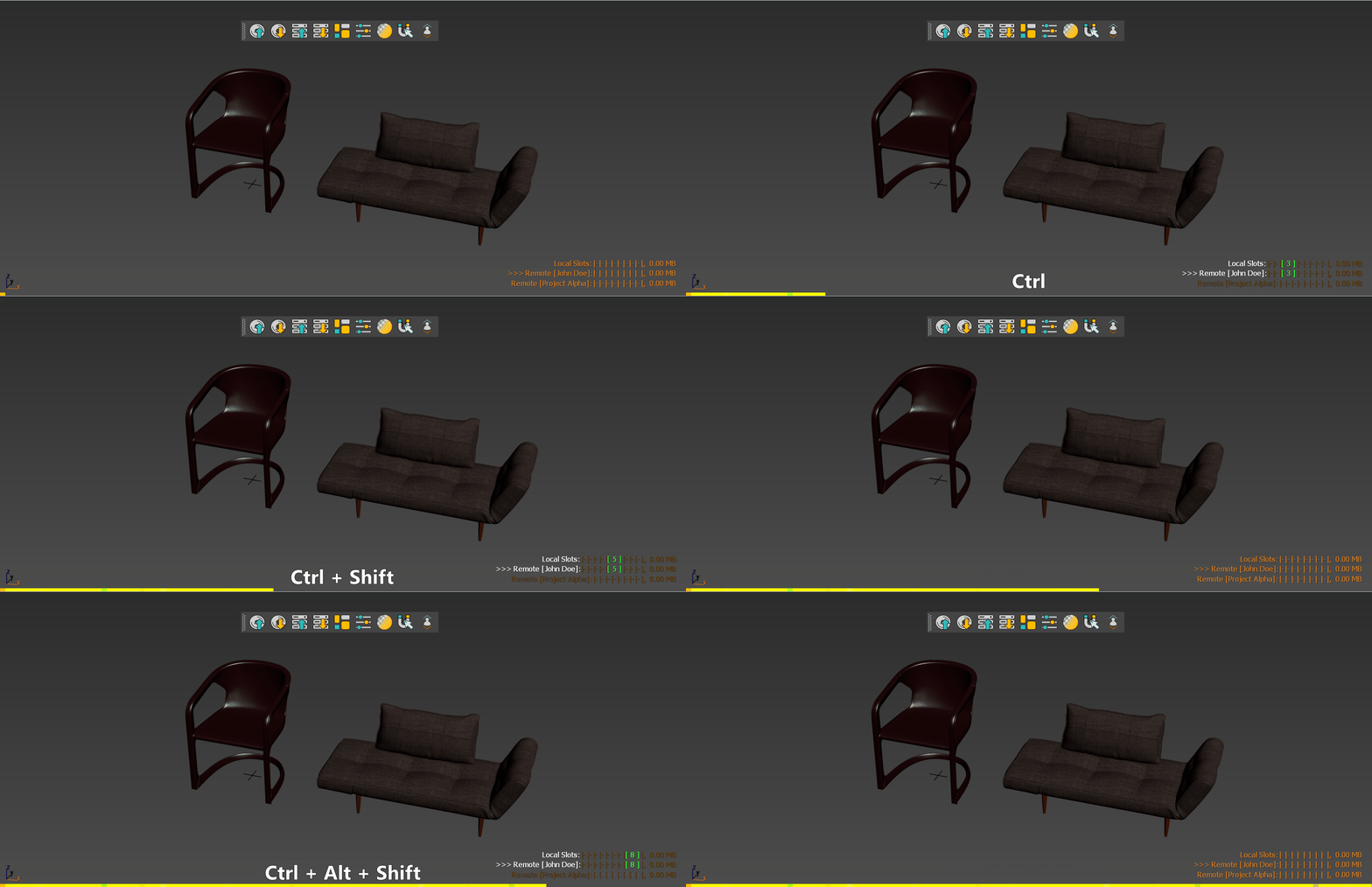
The HUD
A small panel in the corner of the viewport shows every slot with a picture and a name, and a row per colleague. Hold a modifier key and the slot it reaches lights up, so you never paste from the wrong one.
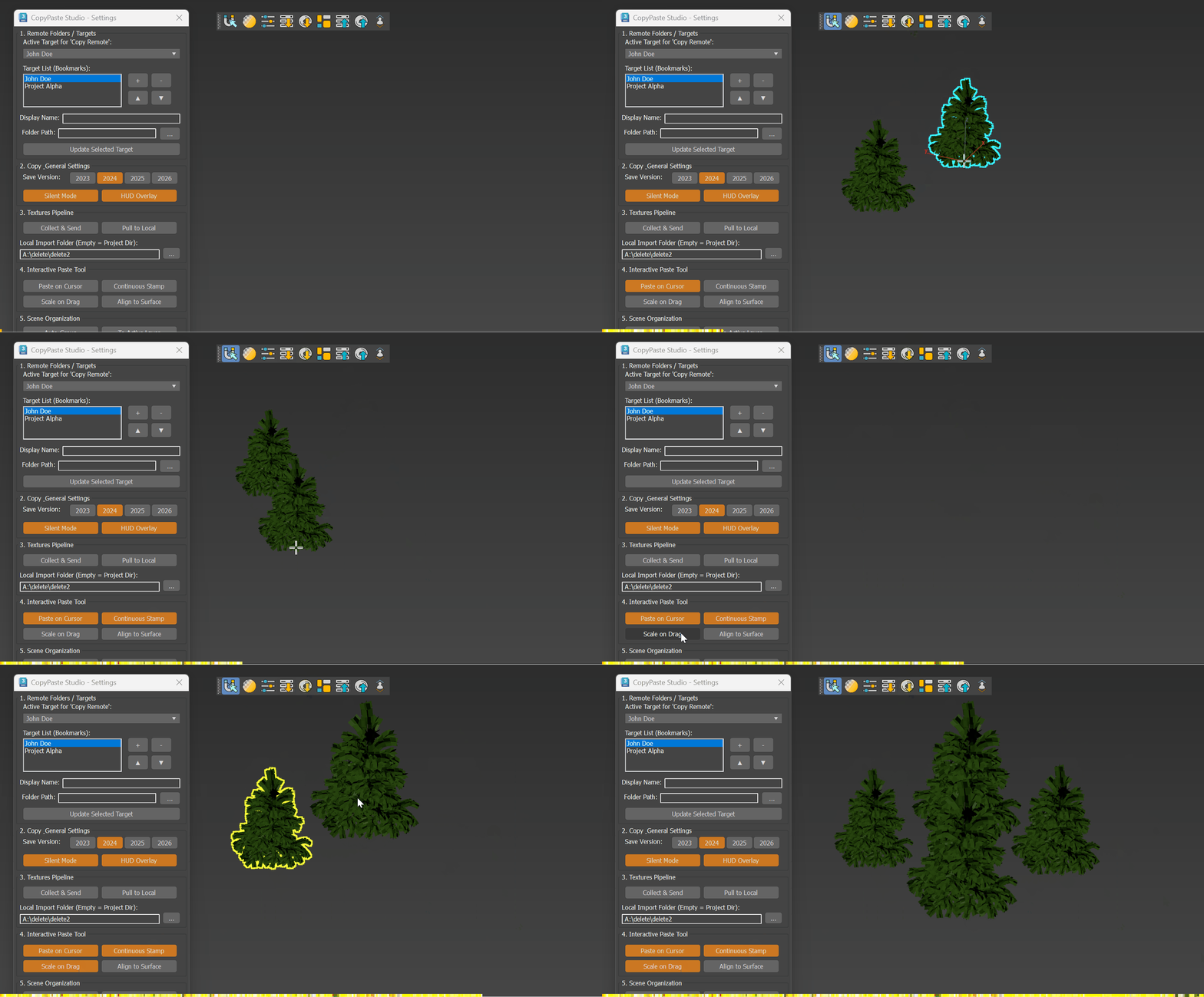
Paste on Cursor, Continuous Stamp
The paste follows the mouse: click to set it down, drag to scale it, right-click to cancel. With Continuous Stamp on, every click leaves another copy until you right-click. Align to Surface stands each one on whatever it lands on.
Materials too
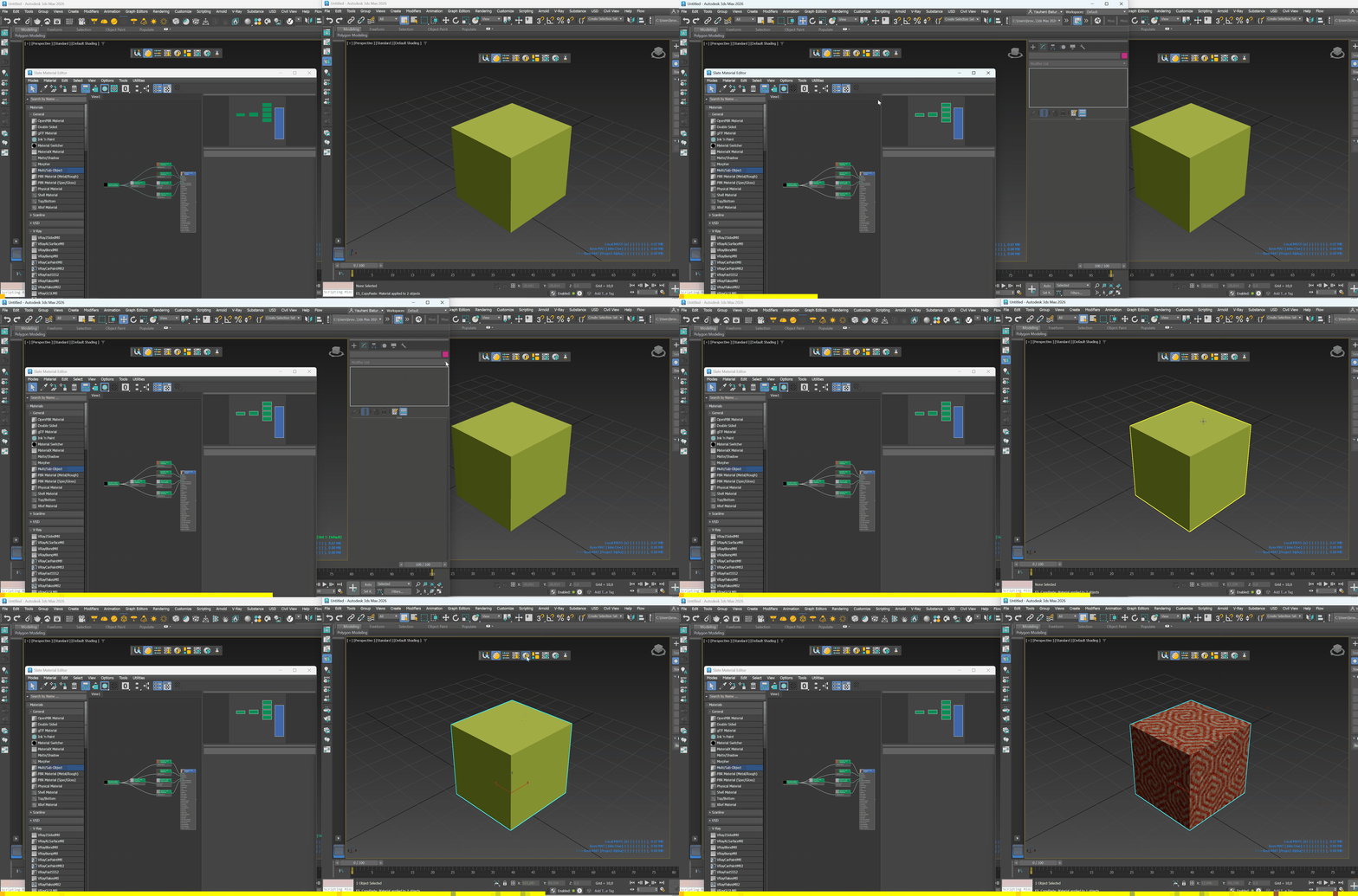
Material Mode turns the same slots into a material clipboard. Copy what is selected in the Slate editor, or the materials of the selected objects, and paste them onto objects in another scene or straight into the editor.
The Asset Browser
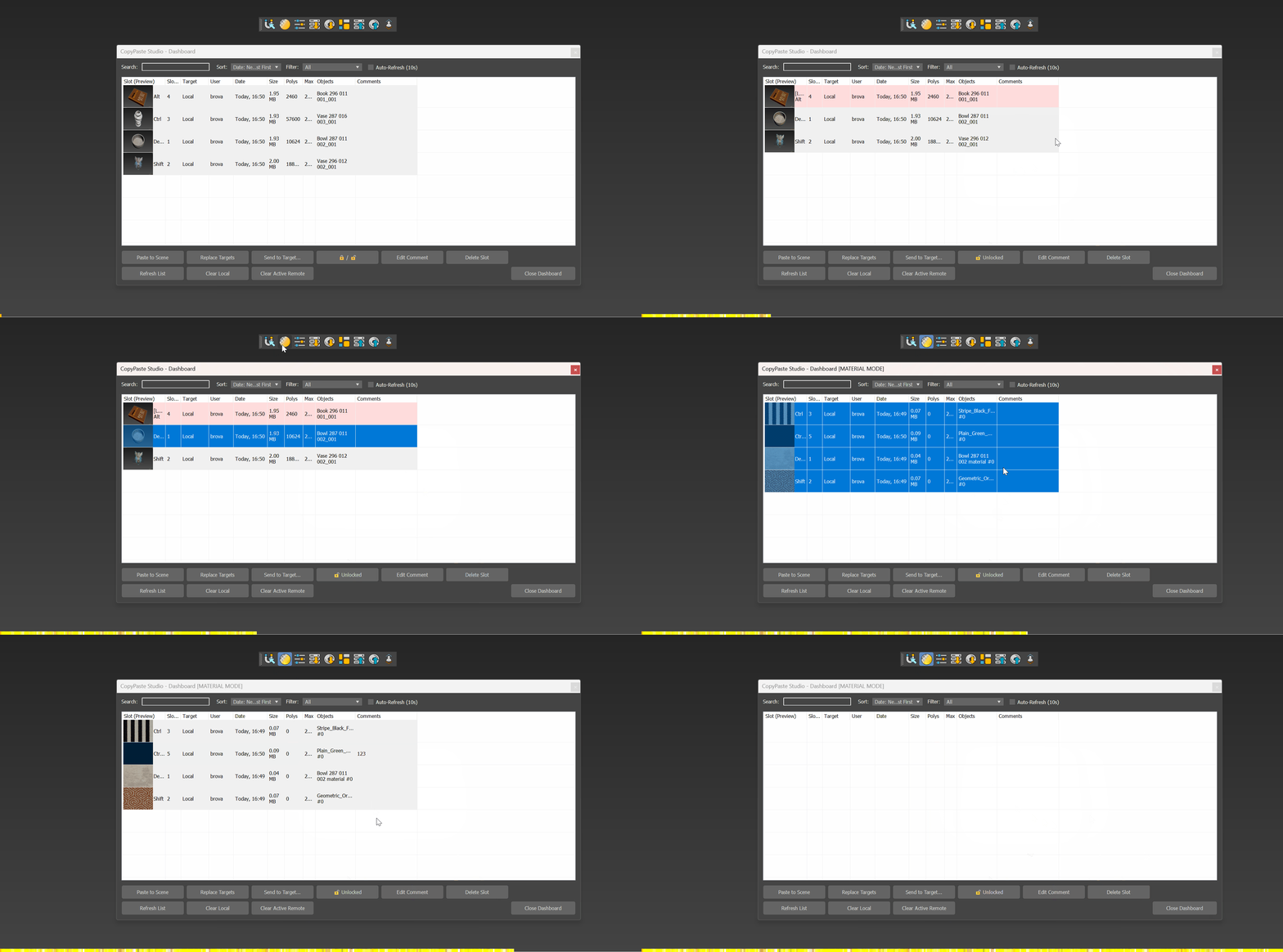
Every slot on every share, as a card. Search them, lock them, comment on them, send one to a colleague.
Over the network
Give each person a folder on a share. Copy Remote puts the selection into your folder, and Paste Remote takes from whoever is the active target. Textures travel with the copy.
- A row on the HUD for each person
Two licences, one plugin
- Every feature of the beta, no key
- The 1.0 update when it ships
- Who may use it one person
- 3ds Max 2024, 2025, 2026, 2027
- Every feature of the beta, no key
- The 1.0 update when it ships
- Who may use it a team
- 3ds Max 2024, 2025, 2026, 2027
The beta has no editions, so the licence only says who may use the plugin. Freelancer is one person's copy, for personal, commercial and client work. Studio is for a team working over a shared folder.
- One licence covers every supported version of Max
What's new in 0.9.6
- Eight slots on the modifier keys, local and on a network share; the HUD in the viewport; Material Mode; Paste on Cursor, Continuous Stamp, Scale on Drag, Align to Surface; the Asset Browser with lock, comment, Send to Target and Replace Targets; textures collected with a copy and pulled back.
Install
Drag the .mzp onto a 3ds Max viewport and restart Max. Then put the buttons on a toolbar: Customize › Customize User Interface › Toolbars, category CopyPaste Studio.
Every window and every setting: the documentation. New to the idea? Copying between 3ds Max scenes, and the ways it is usually done.