
Floor and Tiles · Documentation
Pattern origin
The Pattern Origin sub-object of the object and the modifier: the point the selected row's pattern starts from. It has no handle of its own: pick the sub-object level, and Max's Move and Rotate gizmos sit on it.
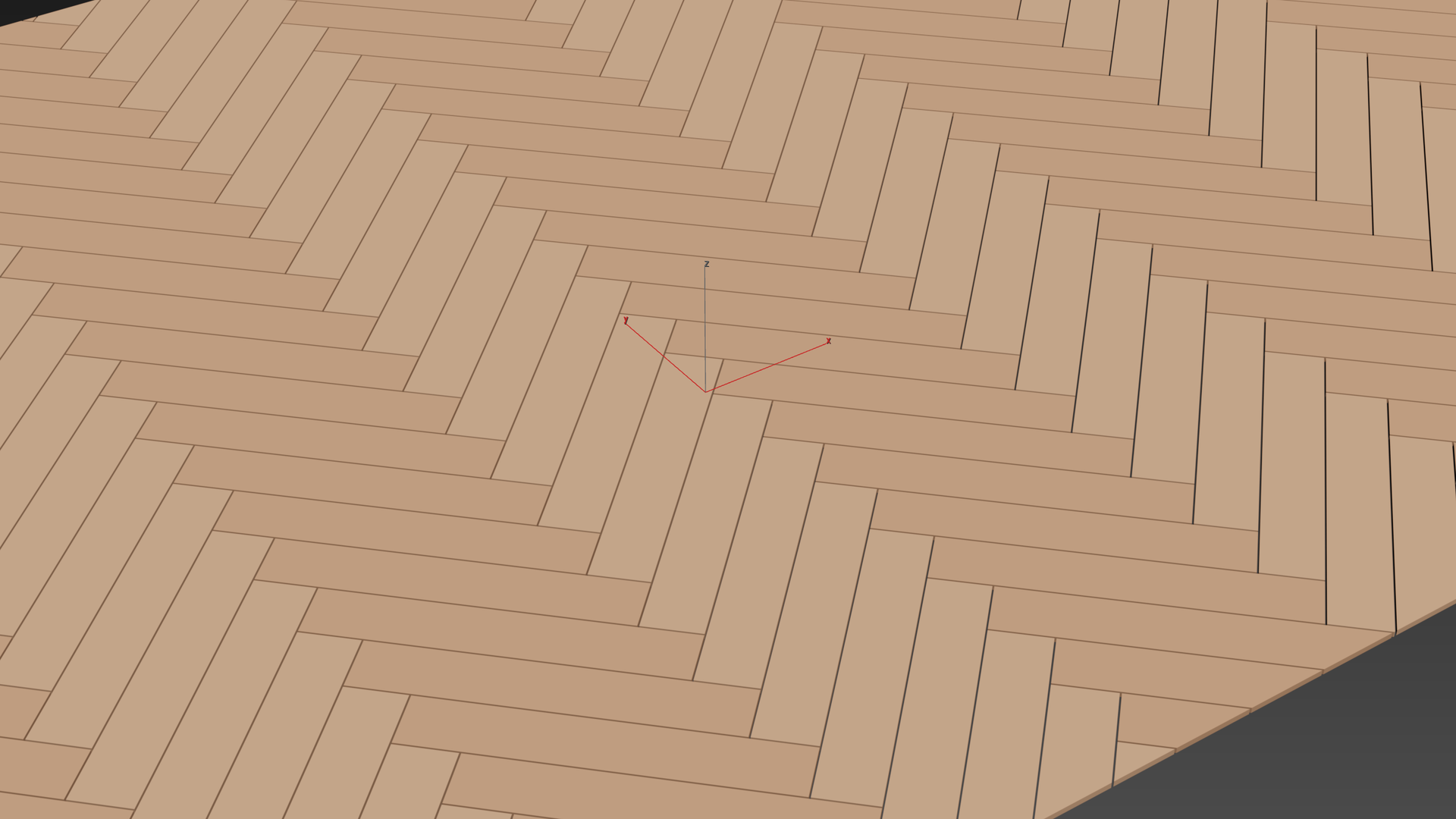
Open it in the modifier stack (or press 1 with the modifier selected), then use Move (W) or Rotate (E) as on any object.
| Control | Description |
|---|---|
| Move | Moves the pattern in its plane. Sets General › Offset X / Y. |
| Rotate | Rotates the pattern about the plane normal. Sets General › Rotation. Angle snap applies. |
The origin lies in the row's tiling plane. Each row has its own origin.
With Tile every surface or in Volume Tiles Pro the origin moves and rotates in three axes (General › Offset Z, Turn X / Y / Z).
The Planner Pro shows the same handle on the plan.