Floor and Tiles Generator · 3ds Max 2024–2027 · v1.4.5
Floor generator for 3ds Max: parquet, tiles, borders and whole rooms
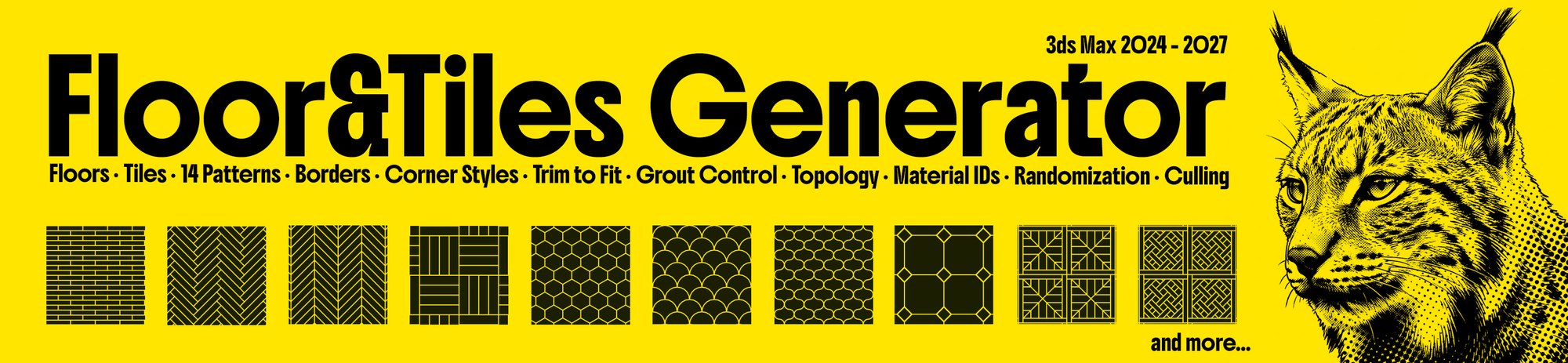
Pick an outline or drag a box over a room, choose one of twenty-five patterns and set the tile size, the joint and the borders.
Every tile comes out as real geometry with its own material ID, and where two surfaces meet the corners are mitred at 45°.
Click a pattern to see its variations. Every size, joint and offset is yours to set.
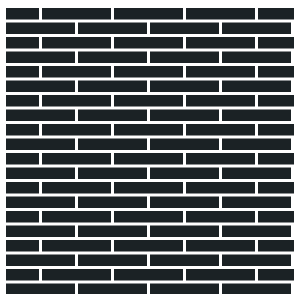
Basic
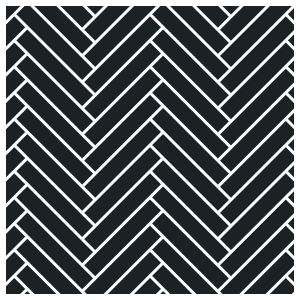
Herringbone
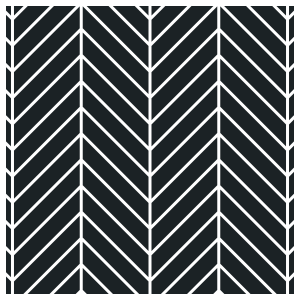
Chevron
+2
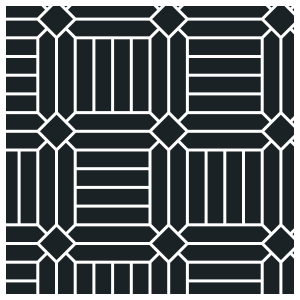
Block
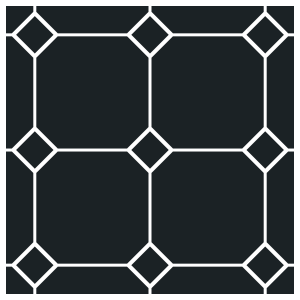
BlockWith diamondsDiamonds every 2
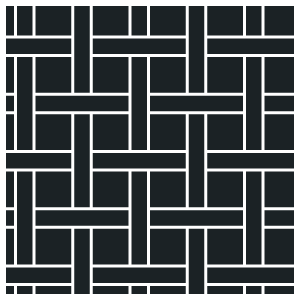
Basket Weave
+2
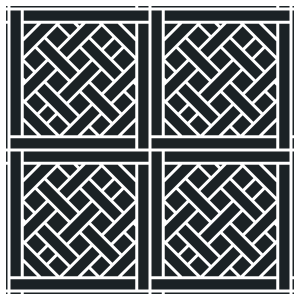
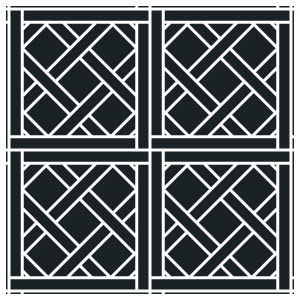
Versailles
Variation 1Variation 2Variation 3
Bordeaux
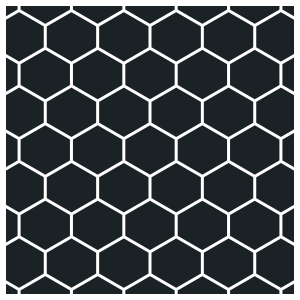
Hexagonal
+1
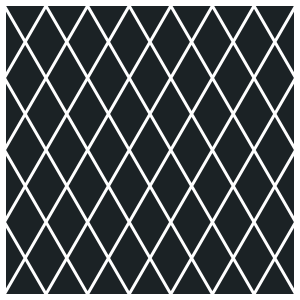
Diamond
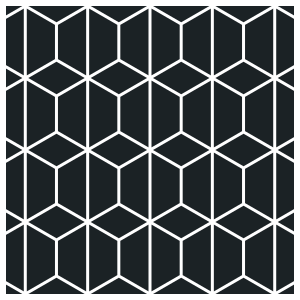
RowsCubes
+2
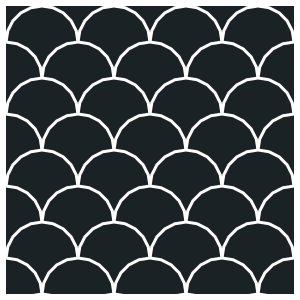
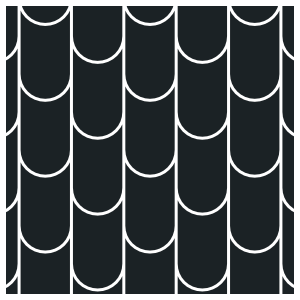
Fish Scale
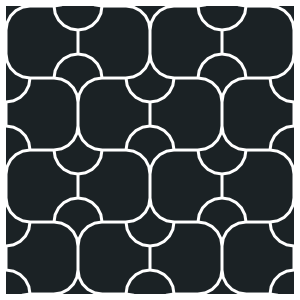
RowsPinwheelWith rounded squares
+1
Monticello
One picketTwo boards
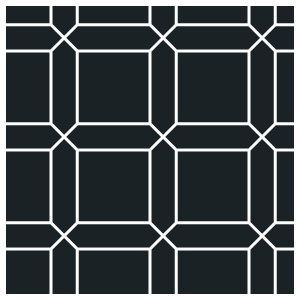
Camelot
+3
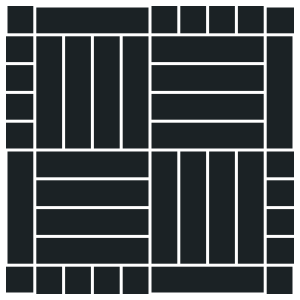
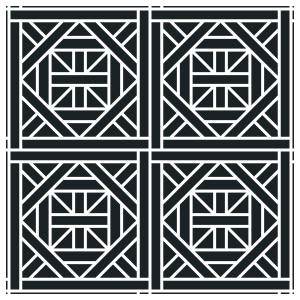
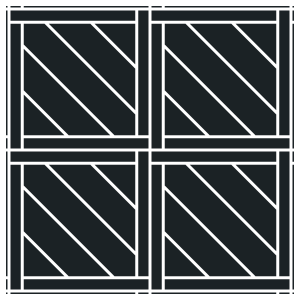
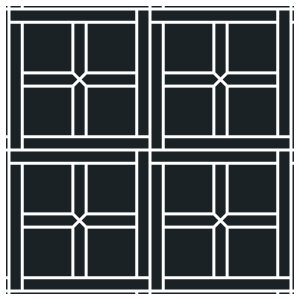
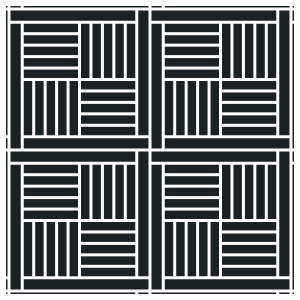
Parquet Panels
Diagonal bandsCombed trianglesCrossFour blocks
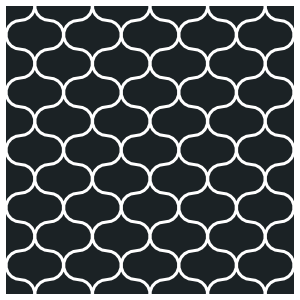
Arabesque
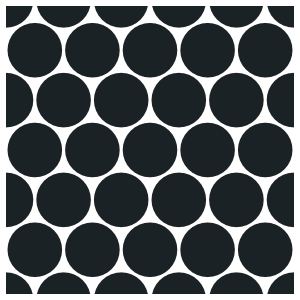
Penny Round
+2
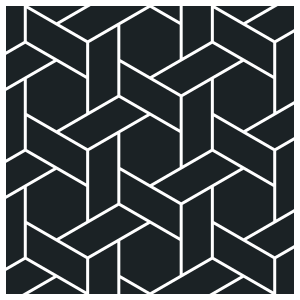
Hex Weave
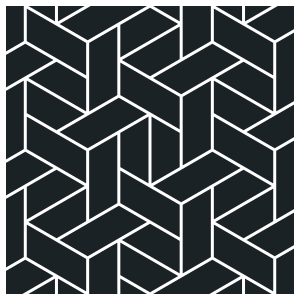
Whole hexagonsHalves one wayHalves turning
Shingles
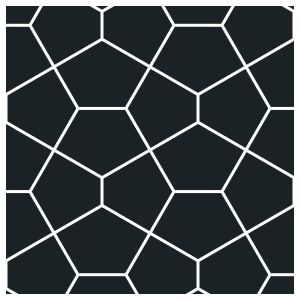
Pentagon
+3
Trapezoid
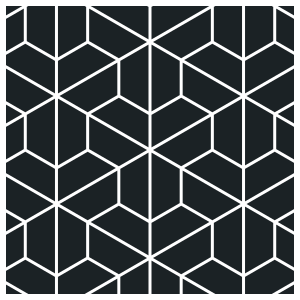
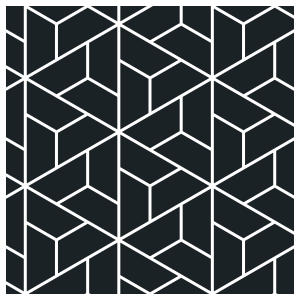
CubesHerringbonePinwheelsHexagons and rhombi
+1
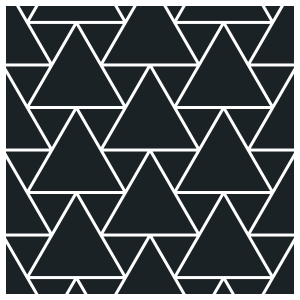
Triangle
All alikeLarge and small
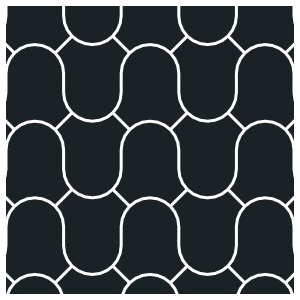
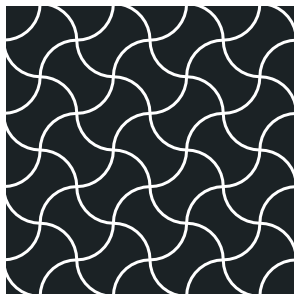
Wave
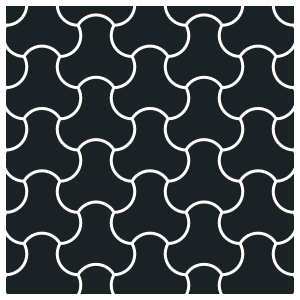
Biscuits
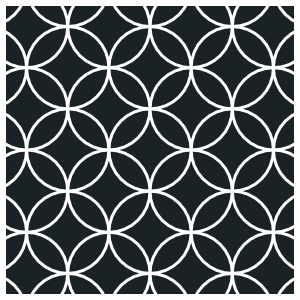
Shippo
Clover
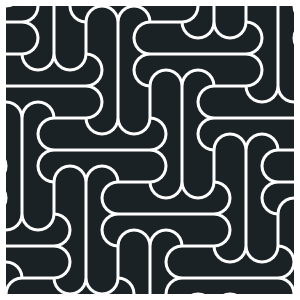
Corset
Volume Tiles ProBeta
Drag a box over a room, or pick any closed object as the volume. Every surface inside it that faces inwards is tiled with one pattern that runs round the room in one piece: the floor, the walls, the ceiling, steps and columns included.
Corners are mitred at 45° with a single joint, and the grout goes round the corner with them
Curved walls are unrolled, tiled flat and bent back, with no seam
Windows and doors cut their own openings
It stays live: move a wall and the tiling follows
A room tiled from one box: the floor, the walls and the ceiling, with the corners mitred
The Planner ProBeta
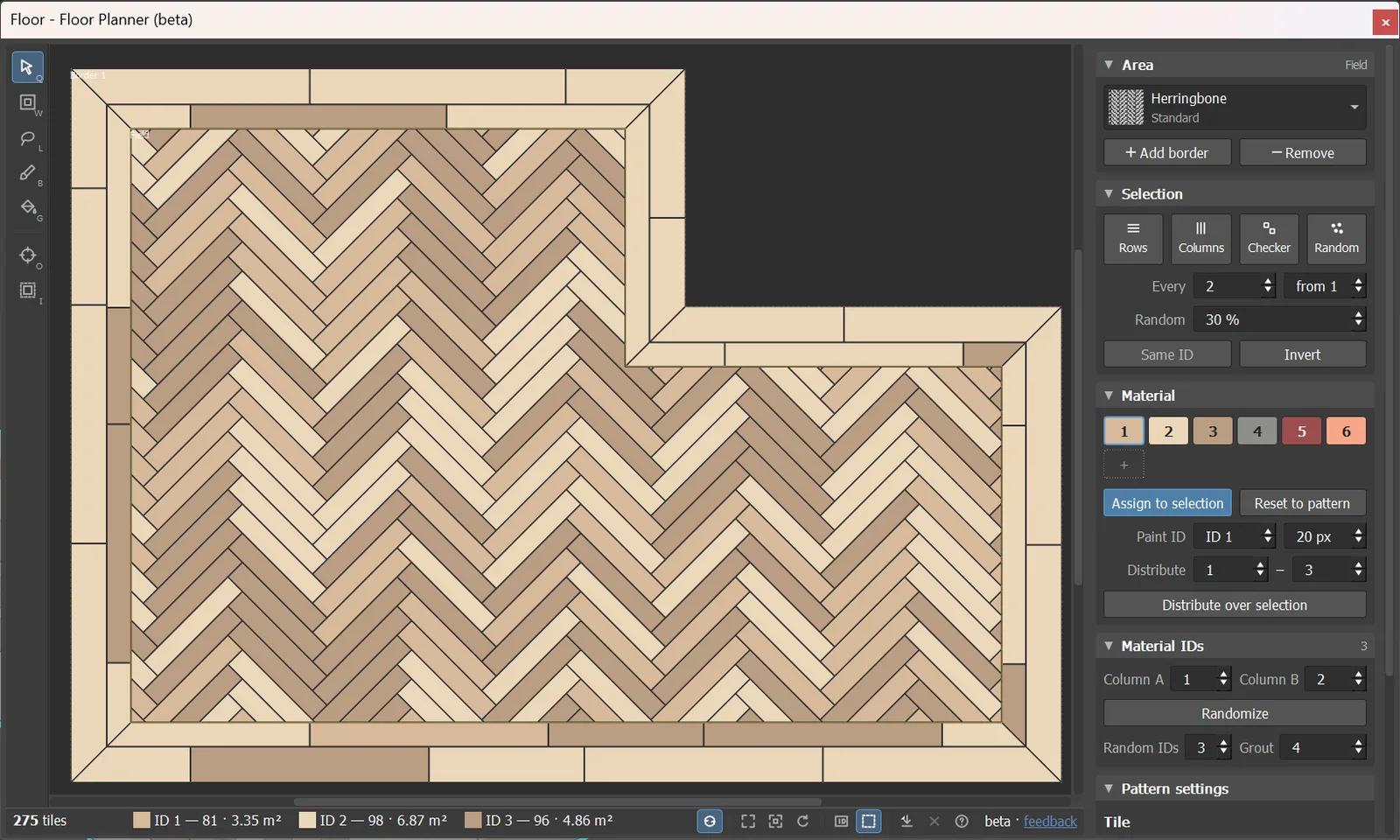
The floor seen from above, with every tile coloured by its material ID. Pick tiles and set them by hand when the pattern
alone is not enough: an accent row, a border in another stone, a broken tile taken out. Pick tiles with a band, a lasso or the brush, and give them their ID from the palette.
Exports SVG and DXF for the tiler, and a CSV with the count and area per ID
Borders are resized by dragging their edge on the plan
With Volume Tiles, a tab per surface
The Planner: a herringbone floor from above, every tile coloured by its material ID
Borders and corners Pro
Any number of borders can go round the field, each with its own pattern and tile, laid along the walls with mitred,
carried or block corners. Trim the tiles to the outline, or let them run past it.
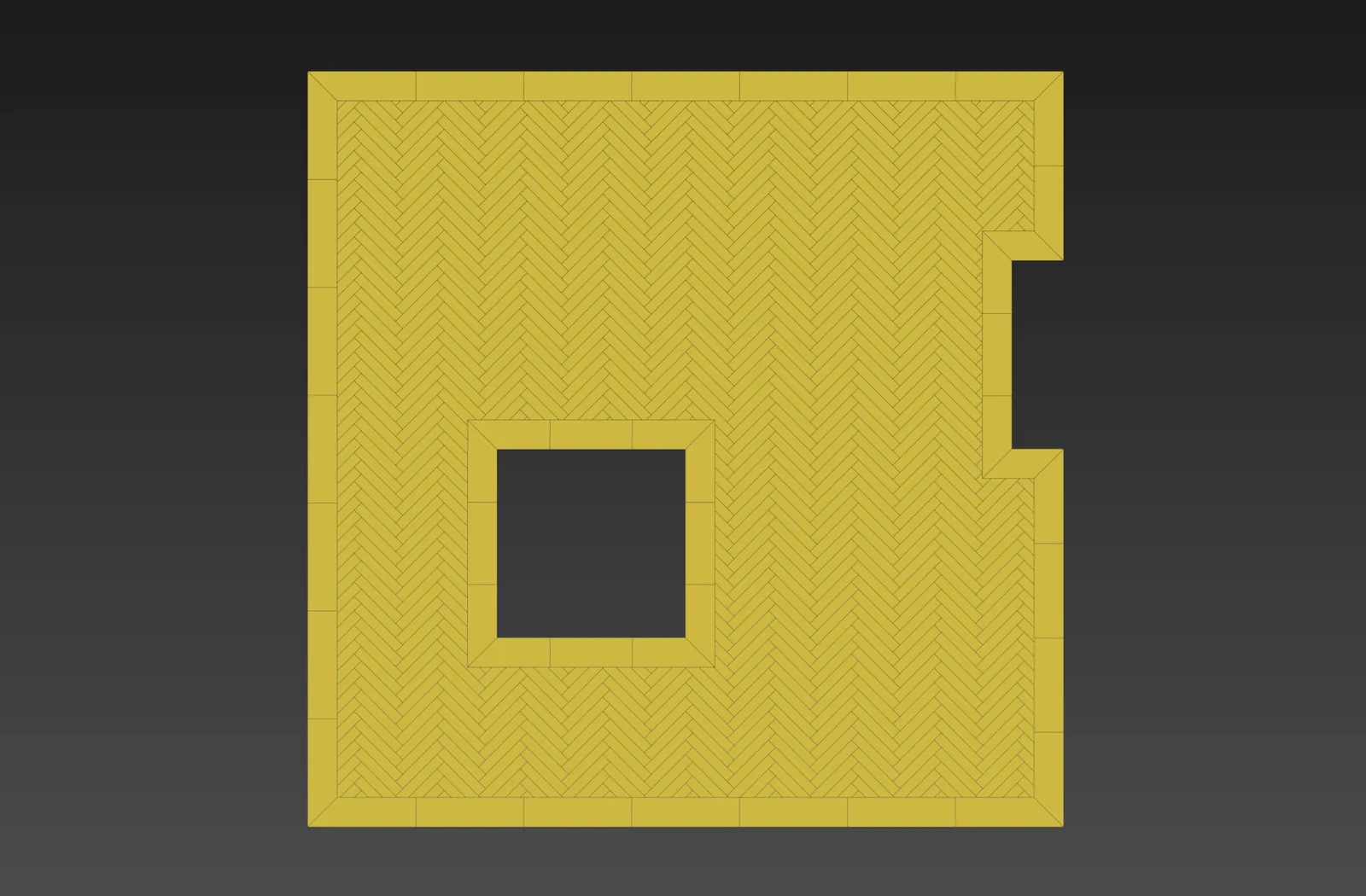
A border laid along the walls, mitred at the corners, going round a hole in the floor as well
Volume Tiles and the Planner are beta. They do what is written above and they are in daily use, but they are the newest parts of the plugin and the ones most likely to change. If either gets in your way, or you have an idea for it, write to contact@immersiveviz.com.
Free or Pro
Free€0
Basic pattern: running bond, stack bond, any brick layout
The free edition is meant for real work, with no watermark and no time limit
What's new in 1.4.5
11 new patterns. Standard: Penny RoundPenny Round (circles or capsules), Hex WeaveWhole hexagonsHalves one wayHalves turning, ShinglesShingles, PentagonPentagon, TrapezoidCubesHerringbonePinwheelsHexagons and rhombi, TriangleAll alikeLarge and small, and a third Fish ScaleRowsPinwheelWith rounded squares variation. Custom shaped tiles: WaveWave, BiscuitsBiscuits, ShippoShippo, CloverClover, CorsetCorset.
Pattern picker: every pattern and variation as a picture in a grid; the mouse wheel steps through them.
Areas list with pattern icons and an on/off eye for each area.
Material IDs: Randomize from any range (e.g. 3-6); Neighbours differ - touching tiles never share an ID; own IDs for Basket WeaveBasket Weave, VersaillesVariation 1Variation 2Variation 3, BordeauxBordeaux and Parquet PanelsDiagonal bandsCombed trianglesCrossFour blocks.
Rotate per element: each tile's texture turned at random, by 180° or 90°.
Bevel padlock: one number for a 45° edge.
Redesigned Planner: new tools (fill, brush size keys), colour chips per ID, minimize and maximize buttons.
MAXScript functions for the Areas list.
Faster: the panel opens in half the time; area switching and origin drags are quicker; shaped-tile floors build up to 15× faster.
Fixed: rounded tiles cut exactly at the walls; mitres close where three surfaces meet; splines turned out of their plane are tiled correctly; border painting stays on one side; texture direction in VersaillesVariation 1Variation 2Variation 3, Parquet PanelsDiagonal bandsCombed trianglesCrossFour blocks and MonticelloOne picketTwo boards; BlockBlockWith diamondsDiamonds every 2 diamonds on split boards; ShinglesShingles border corners.
Drag the .mzp onto a 3ds Max viewport and restart Max. One installer covers every supported version.
After the restart there is a button on the toolbar, the objects are under Create › Geometry › Floor and Tiles, and the modifier is in the modifier list.

 +2
+2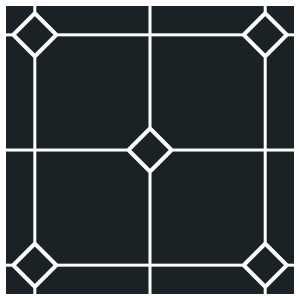
 +2
+2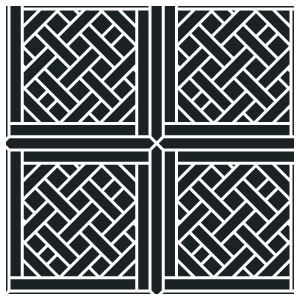
 +1
+1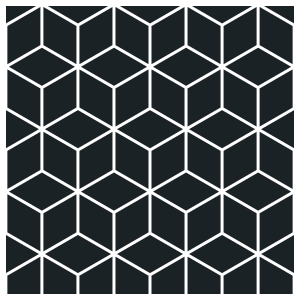
 +2
+2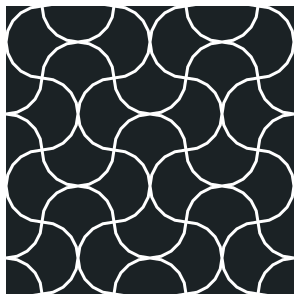
 +1
+1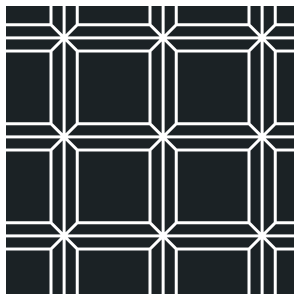
 +3
+3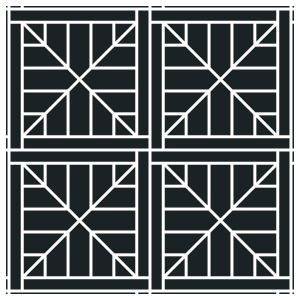
 +2
+2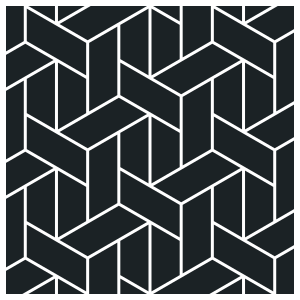
 +3
+3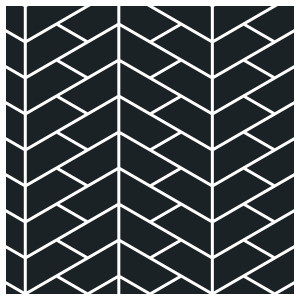
 +1
+1