IMMERSIVE

Tools for 3ds Max

Gumroad Cart Ig

Floor and Tiles · Documentation

Tile every surface

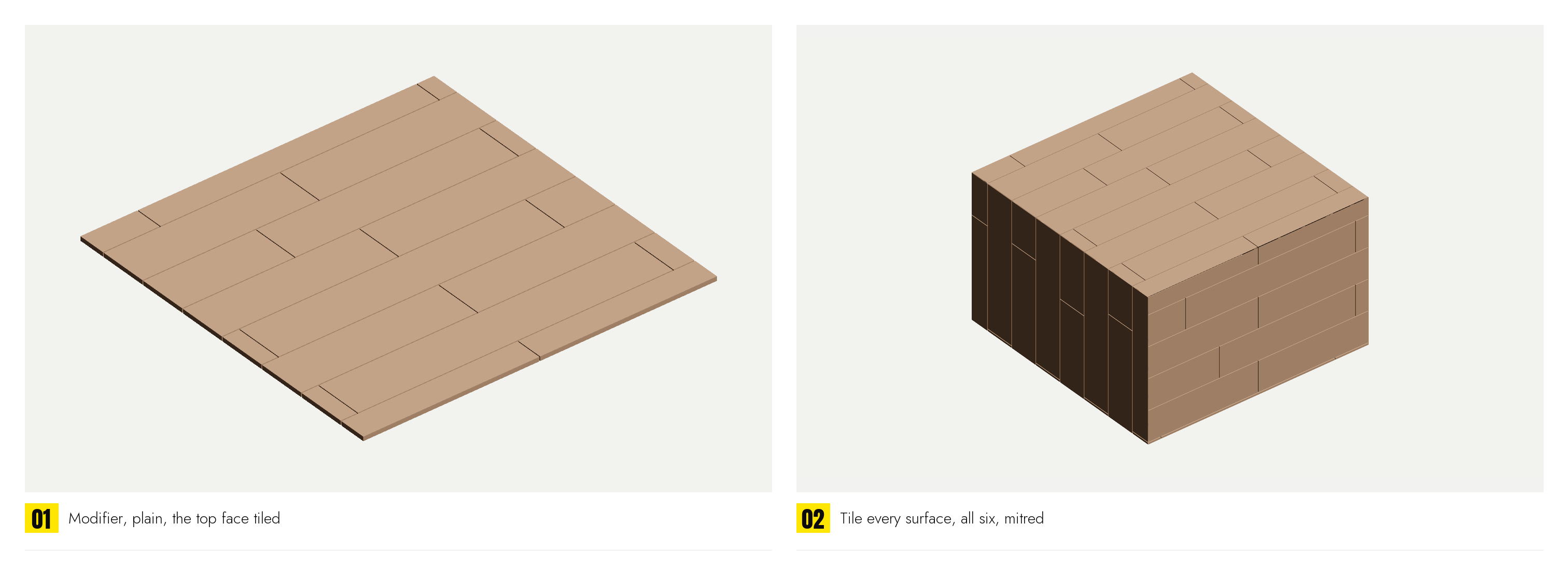
The modifier's Areas rollout has three more controls under Planner. With them, instead of the one outline the object makes in its plane, every face of the object is tiled as a surface of its own: the floor, walls and ceiling of a room modelled as one mesh, the six sides of a box, the sides of a column.

Tile every surfaceOn, every face is a surface. Faces sharing an edge and leaning on each other by less than Smooth are one surface, unrolled flat as Volume Tiles does it. Every surface is laid with the rows in the list; in the Planner each surface is a tab; with Each tab on its own (on by default) a tab opened gets its own rows, copied from the shared ones, so the panel changes that surface alone. Own settings does the same by hand.
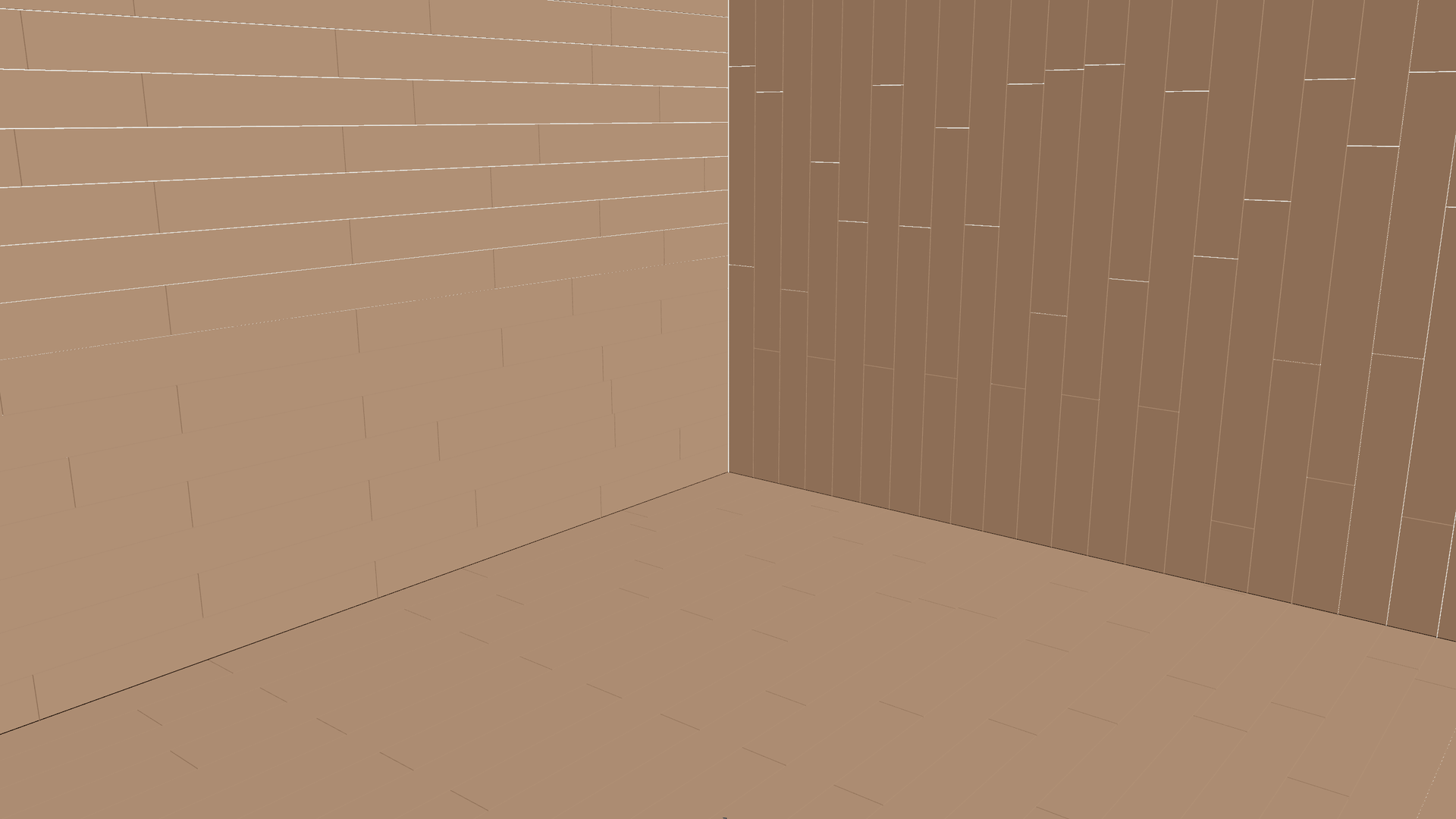
Mitre corners (45° joints)Where two surfaces meet, their tiles are cut on the plane halving the angle between them and meet with one joint; the grout runs round the corner. Off, the tiles end square: the more level surface runs through the corner and the other stops against it by its thickness and the joint.
SmoothThe angle under which two faces sharing an edge are one surface.

The difference from Volume Tiles is what is tiled: Volume Tiles takes whatever part of the scene is inside a box, while the modifier takes the whole of the one object it is on. A room modelled as a single shell is the case for the modifier; a room built from separate walls, slab and ceiling is the case for the box.

The origin in three axes

With every surface tiled, the pattern origin is a point in space rather than a point on a plane. General › Offset Z and Turn X / Y / Z are live, and the origin handle moves and turns in three axes: every surface lays its pattern from where that point falls on it, so a pattern started at one corner of a room runs the same way up every wall and the joints meet at the corners.

Every surface and mitred corners are Pro, as Volume Tiles is.