
Floor and Tiles Generator · 3ds Max 2024–2027
A floor generator for 3ds Max that goes past planks
If you have used FloorGenerator, you know the idea: pick a closed shape, get a floor of boards. Floor and Tiles Generator starts there and keeps going: twenty-five patterns instead of five, borders that run along the walls, whole rooms tiled from one box, and it works in 3ds Max 2024 through 2027.
Floor and Tiles Generator next to FloorGenerator
FloorGenerator by CG-Source is the plugin most people mean by "floor generator", and it is good at what it does: running-bond planks, quickly, with MultiTexture for the variation. The table is what differs. Both are checked against the makers' own pages at the time of writing.
| FloorGenerator (CG-Source) | Floor and Tiles Generator | |
|---|---|---|
| Patterns | Running bond, herringbone, chevron, basket weave, hexagon (full version) | 14: those five plus block, Versailles, Bordeaux, diamond, fish scale, Monticello, Camelot, parquet panels, arabesque, with 24 layouts between them |
| Free version | Standard pattern only | Basic pattern with every setting: thickness, grout, bevel, board randomisation, material IDs, presets |
| Borders | — | Any number, laid along the walls, with mitred, carried or block corners |
| Walls and whole rooms | — | Volume Tiles Beta: floor, walls and ceiling from one box, corners mitred at 45° |
| Tile plan for the tiler | — | The Planner Beta: tiles set by hand, exported as SVG, DXF and CSV |
| Grout as geometry | — | A plane or a slab under the joints, measured from the tile's top or bottom |
| Board randomisation | Rotation, offset, tilt | Rotation, offset, tilt, missing boards by chance or by a map |
| Real sizes | Yes | Yes, and the pattern's own sizes: panel, picket, block, split |
| 3ds Max | 2013 to 2027 | 2024 to 2027 |
| Price | Free / €20, one licence per user | Free / €24, one licence per person, every Max version |
What FloorGenerator has that this plugin does not: support for Max versions before 2024, and the MultiTexture map that goes with it. If your floors are plain planks and you are on an older Max, FloorGenerator is the right tool and it costs less.
What "floor generator" means here
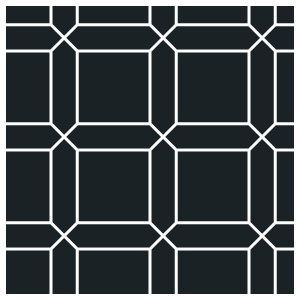
Pick an outline, a floor slab or a closed spline, and the floor is laid inside it as real geometry: every tile a separate element with its own material ID, cut flush to the walls, with thickness, a bevel and a joint. Change a size in the panel and the floor relays itself. Nothing is collapsed until you say so.

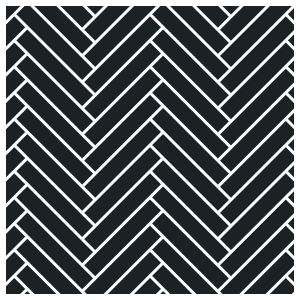
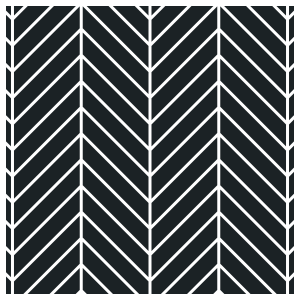
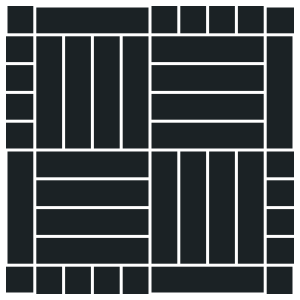 +2
+2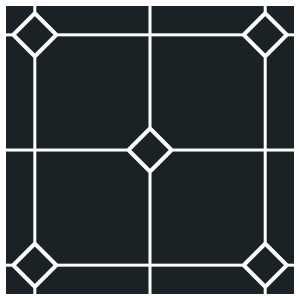
 +2
+2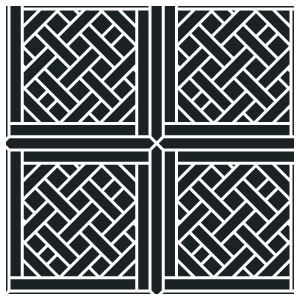
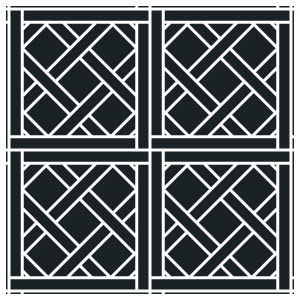
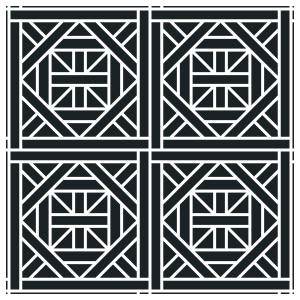
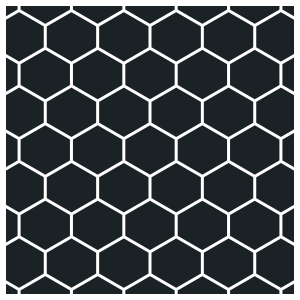
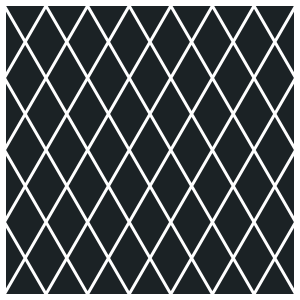 +1
+1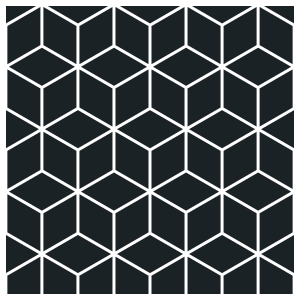
 +2
+2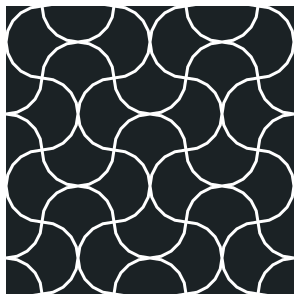
 +1
+1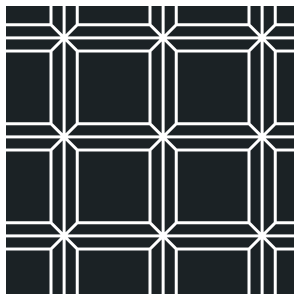
 +3
+3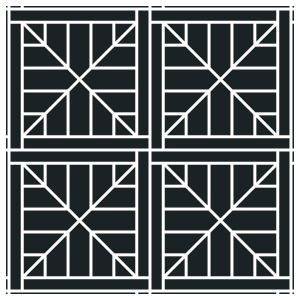
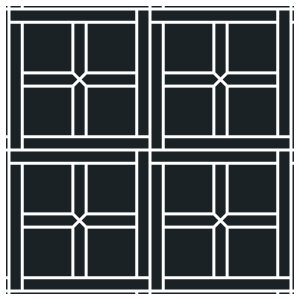
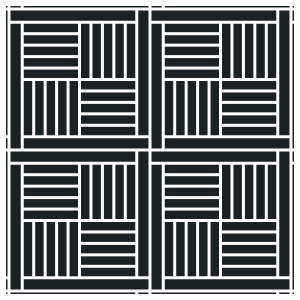
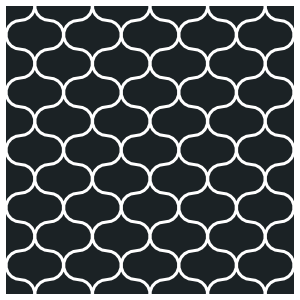
 +2
+2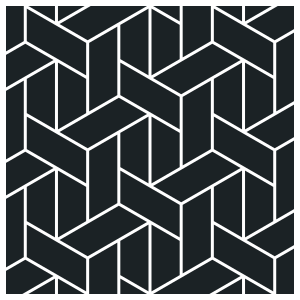
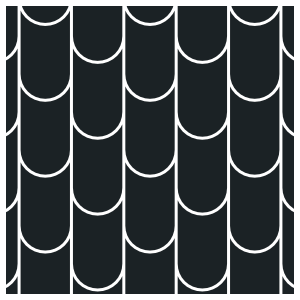
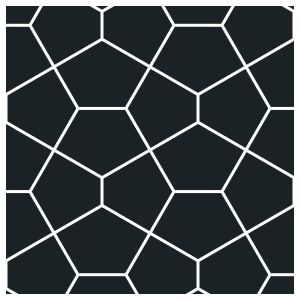
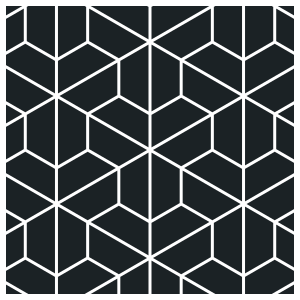 +3
+3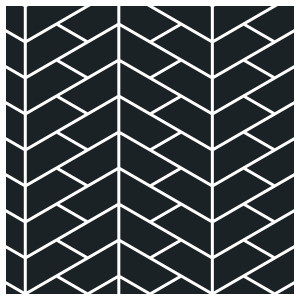
 +1
+1
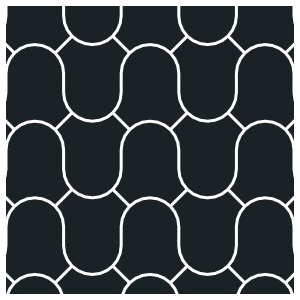
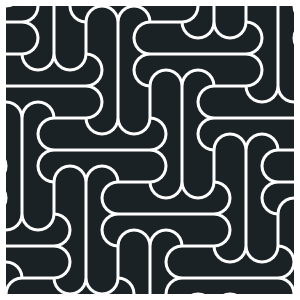
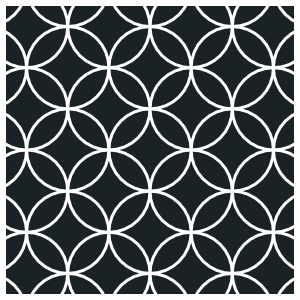
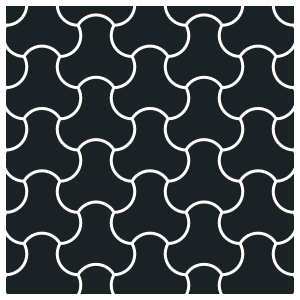
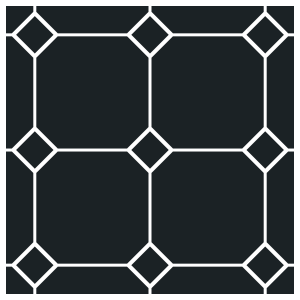
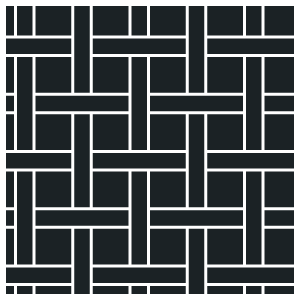
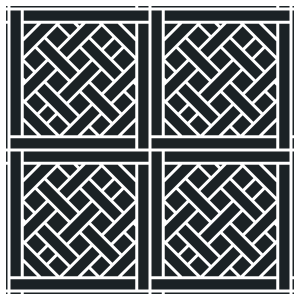
Every pattern is set in real dimensions: the plank a supplier quotes, the panel size of a Versailles module, the picket width of a Monticello.
Parquet, tiles and stone
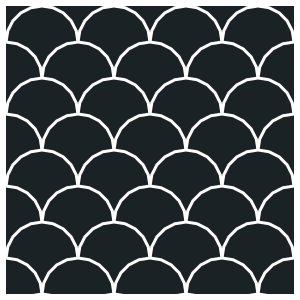
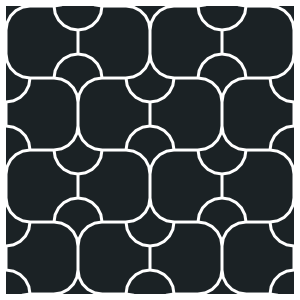
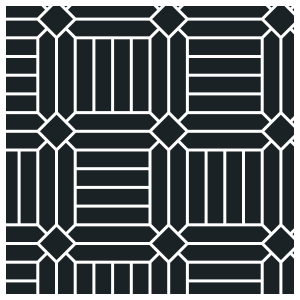
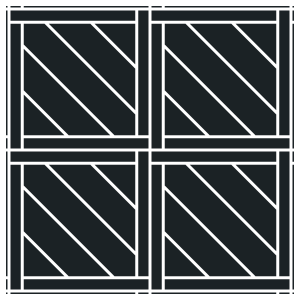
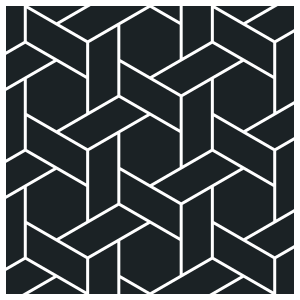
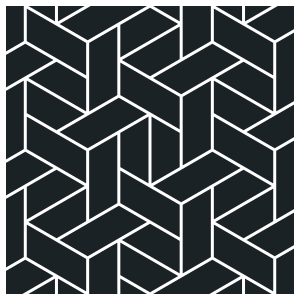
Parquet is where most of the patterns come from: herringbone single and double, chevron at any lean, block parquet with or without diamonds, basket weave, Versailles panels, Bordeaux, parquet panels. Tiles and stone use the same engine with the sizes changed: a 600 × 600 running bond, hexagonal cement tiles, fish scale, arabesque, Camelot with its cabochons. Board randomisation, grout and bevels apply to all of them.
Borders along the walls
Any floor can have a band split off its edge as a row of its own, with its own pattern and material. The band is laid along each wall in turn, the corners mitred or finished with a block, and the elements can be trimmed so a whole number of them fits every wall with no offcut. Borders stack, so a frame inside a frame is two clicks.
Rooms, not only floors
Volume Tiles takes a box instead of an outline: everything inside it that faces inwards is tiled, the floor, the walls and the ceiling, with the corners mitred at 45° and the grout running round them. Curved walls are unrolled, tiled flat and bent back. Windows and doors cut their own openings. See Volume Tiles.
Try it on a real job
The free version is the full plugin with the Basic pattern, so a running bond, a stack bond or a brick layout can be laid, randomised, grouted and rendered before you decide. The Pro key adds the other twenty-four patterns and the borders, the rooms and the Planner.