
Chevron floor in 3ds Max
Planks cut at an angle so their ends meet on one straight seam, the zigzag running down the room like arrows. Often confused with herringbone: herringbone planks are square-cut and overlap, chevron planks are mitred and meet.
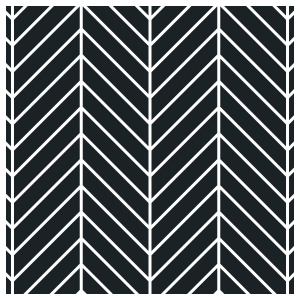
How to make a chevron floor in 3ds Max
- Draw the room as a closed spline, or pick a floor slab.
- Add the Floor and Tiles modifier and pick Chevron in the pattern grid.
- Length and Width set the plank, Lean sets the angle of the cut, from a shallow French chevron to a steep Hungarian point. The seams line up across the whole room, so a long corridor reads as one pattern.
- Render. The floor stays live: change a size and it relays itself; collapse it only when you want.
Thickness, bevel, grout, random rotation and tilt, missing boards, material IDs and UVs per tile work the same in every pattern, and so do Chamfer, Damage and Handmade. See the documentation.
Chevron is in Pro
The free version lays Basic, the running and stack bond, so you can try the whole plugin first. Chevron and the other twenty-three patterns come with the Pro key, for every Max from 2024 to 2027.
Also: Herringbone, Versailles, Hexagonal, Basket Weave, Fish Scale, Penny Round and Arabesque.